





Alpha Piscium
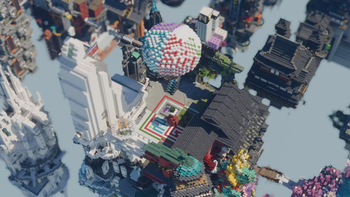
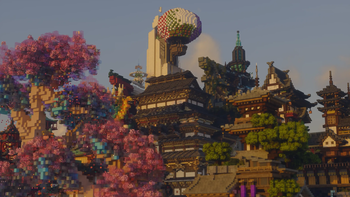
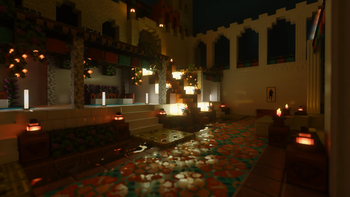
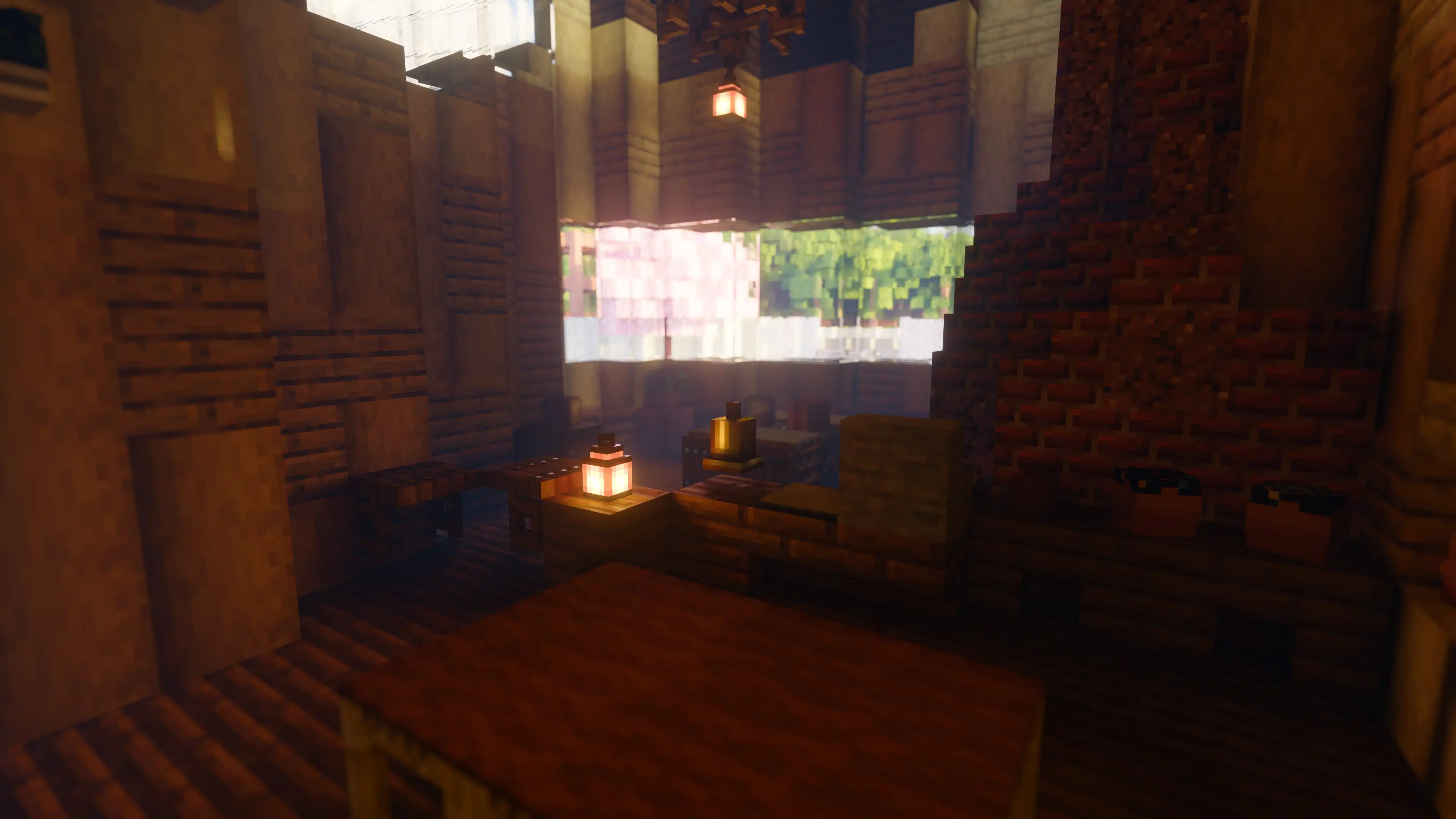
High-quality realistic Minecraft shaderpack featuring global illumination, volumetric clouds, atmospheric scattering, and stunning visual effects.
Official Website link: https://alphapiscium.org/
Discord server link: https://discord.gg/E2Uq2MmHgq
Features
- Real-time Global Illumination
- Reservoir-based SpatioTemporal Importance Resampling (ReSTIR) based Screen-Space Global Illumination
- ReBLUR based denoising
- Realistic, real-time, and fast Atmospheric Scattering
- Real-time Volumetric Clouds
- High-quality adaptive Shadows
- Rectilinear Texture Warping (RTWSM)
Installation
- Download the Alpha Piscium shaders for Minecraft from Modrinth or GitHub Release.
- Install Iris shader loader.
- Open the Minecraft launcher and choose the Iris profile you just created with the version you're playing.
- Launch Minecraft.
- Go to Options → Video Settings → Shader Packs, then click Open Shader Pack Folder.
- Move the downloaded ZIP file into this folder (
.minecraft/shaderpacks). - In-game, select the newly installed pack from the shaders list. (If you select a shader pack using Iris, its filename will turn yellow.)
- Click Done or and the shader will be loaded.