




As seen on Fabulously Optimized!
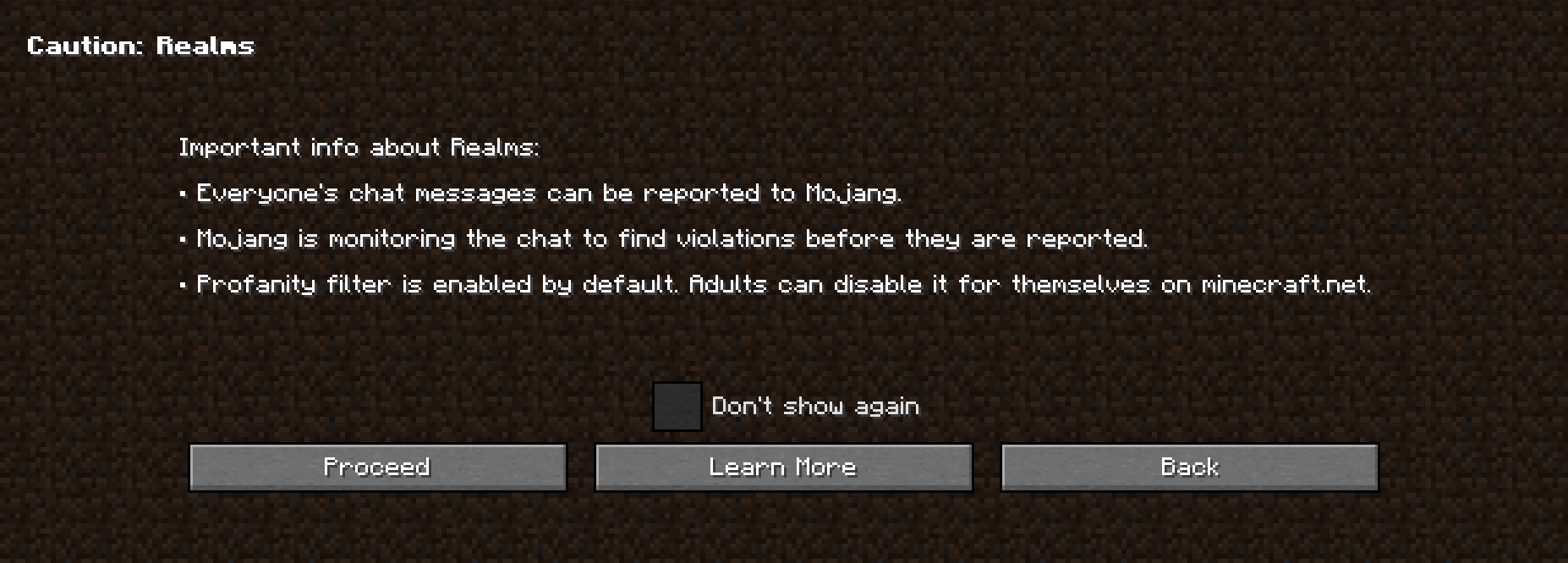
Minecraft's default in-game wording about chat reportability is technical, confusing and gives the assumption that chat reportability exists in every server. No Chat Reports' wording is also technical, biased towards negativity and very detailed. This resource pack fixes both by replacing those phrases with simple and unbiased, yet accurate phrases.
What this resource pack does
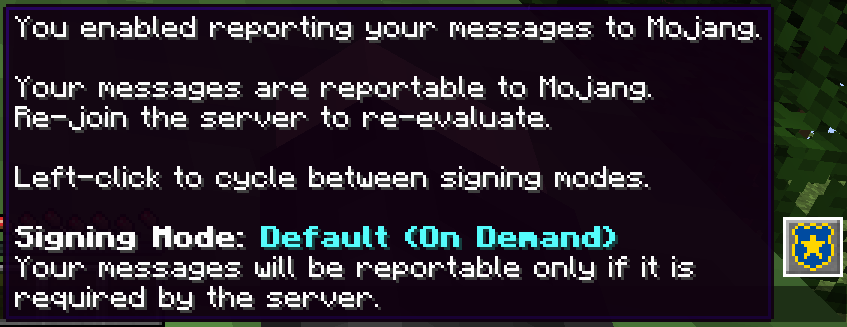
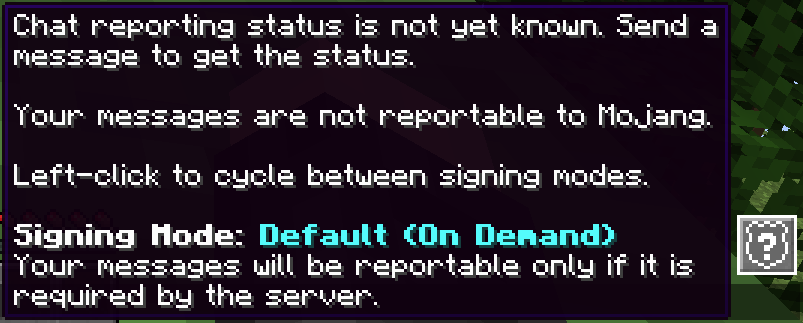
- Change the tooltips on vanilla report buttons and chat indicators
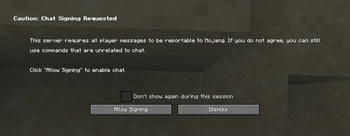
- Change the "messages can't be verified" warning toast
- Change the "Only Show Secure Chat" label and tooltip
- Change the description on vanilla report textbox
- Change the status icons and tooltips on No Chat Reports
- Ensures the phrases are short, clear and non-technical
- Is available in several languages
- Is an educational tool, not a protective one
- Focuses on practical use cases and actual server behavior, not theoretical possibilities
- Serve as an example and call to Mojang to improve transparency and clarity regarding this feature in the game
What this resource pack doesn't do
- State, whether chat reportability is good or bad
- Obstruct or mislead the meaning of any phrase
- Edit the report icon or "Player reporting" button
- Edit report or ban reasons
- Edit the ban screen
- Hide vanilla indicators or warning toast
- Replicate the features of No Chat Reports or any other mod or plugin
What do the icons mean?
The icons are only shown when you have No Chat Reports installed. For vanilla chat indicators, hover the gray box on the left.
 - status not yet known, you must send one chat message to get it
 - no chat messages can be reported to Mojang
 - most chat messages can be reported to Mojang, but the server does not prefer it and the playing user opts out
- In some cases, no messages can be reported but that is not reflected on the icon. You can confirm by seeing if you can report anyone on Social Interactions.
 - all chat messages can be reported to Mojang
 - only on Realms: all chat messages can be reported to Mojang and