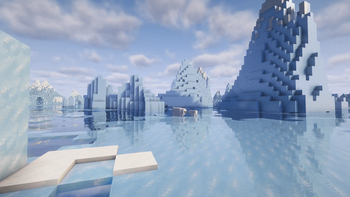
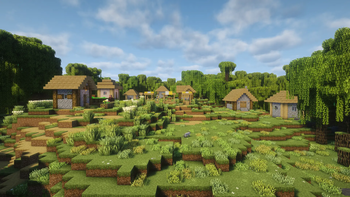
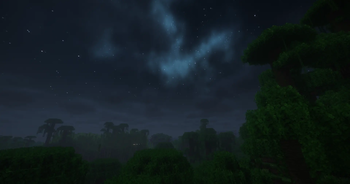
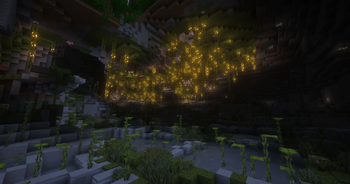
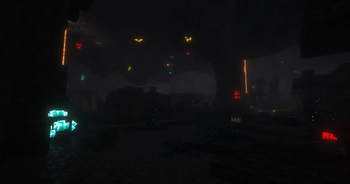
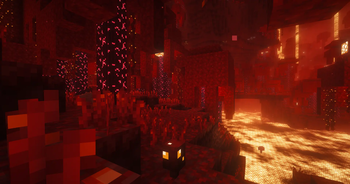
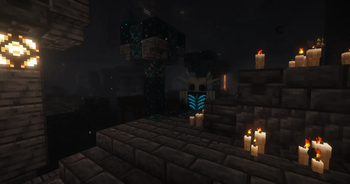
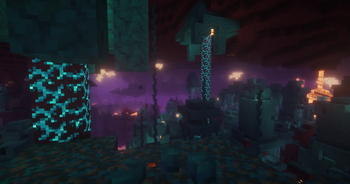
Lord’s Vanilla Refresh is a client-side Fabric modpack that enhances the Minecraft experience.
The pack uses modern optimization mods that improve FPS, reduce stuttering, speed up chunk loading, lower memory usage, and make large worlds run more smoothly. Distant terrain can render farther without killing performance, entities and particles that you don’t see get skipped, and background processes are handled more efficiently. It’s built so shaders like Complementary Unbound can run smoothly on more systems.
Many blocks and items have improved 3D models and textures. Leaves, grass, crops, armor trims, enchantments, tools, and special items feel more alive. Animations are smoother, and items move naturally, capes wave, elytras behave better, and mobs use improved animation packs.
Sound and atmosphere are also upgraded. Rain, thunder, wind, footsteps, and ambient sounds are more noticeable and realistic. Particles behave better, lighting feels cleaner, and small effects like fire and enchant visuals are refined.
The interface and quality-of-life side is strong, too. You get better HUD elements, inventory improvements, tooltips with useful info, zoom, smoother chat, better third-person camera, map support, easier item management, and many small tweaks that remove friction without changing survival balance.
This pack does not add new gameplay systems, blocks, or progression changes. It keeps servers compatible and refreshes the gameplay experience.
Last Updated: 4/8/2026.

Both Versions
- The lantern texture breaks when the lantern is hung from a block. This is caused by an incompatibility between Immersive Winds and Fancy World Animations mods. To fix the issue, enter the Immersive Winds's configuration using Mod Menu, select the "Block Entities" tab, and disable "Lanters". Reload the texture using keys F3+T.
- Warm and Cold Pig textures in the Vanilla Evolved pack are broken. There is currently no fix for this issue.
- The chestplate texture from the Vanilla Evolved pack is slightly shifted on the player's shoulders and appears slightly floating. There is currently no fix for this issue.
1.21.11 Only
- Shaders fail to load when the game starts, causing many textures to appear broken. Reloading the shaders with the keybind fixes the issue.