✨How to install
If you need help with installing the modpack watch the video. Have questions comment on the video and I will help.
📝Want a written tutorial read her.
Step 1 Download the Modrinth app (Tutorials for different lunchers will be added at a later point)
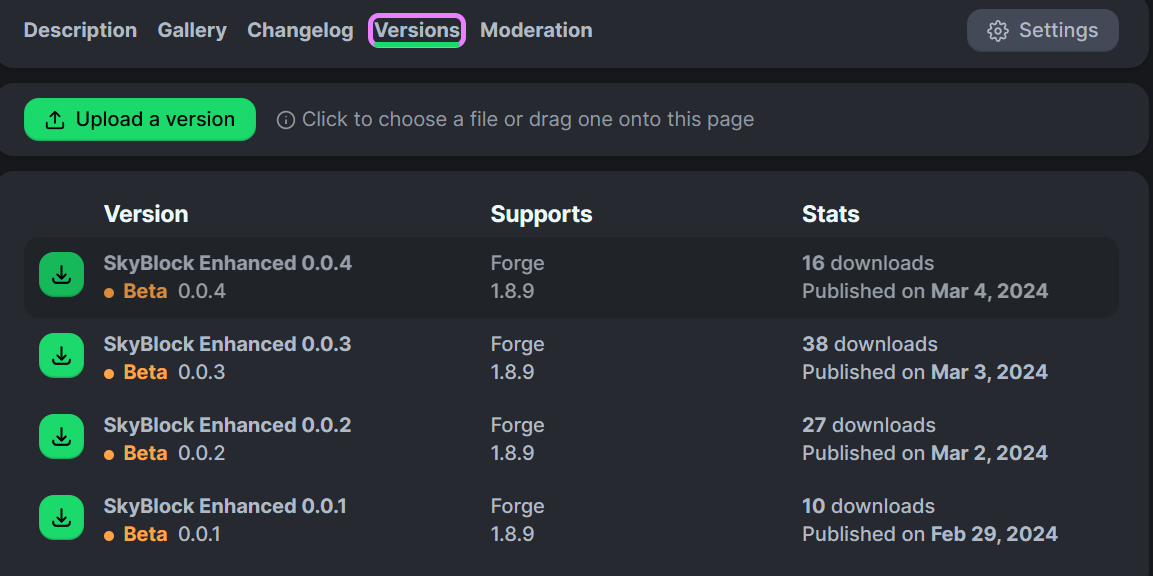
Step 2 Download the Skyblock Enhanced Mod Pack
How to install Modrinth app
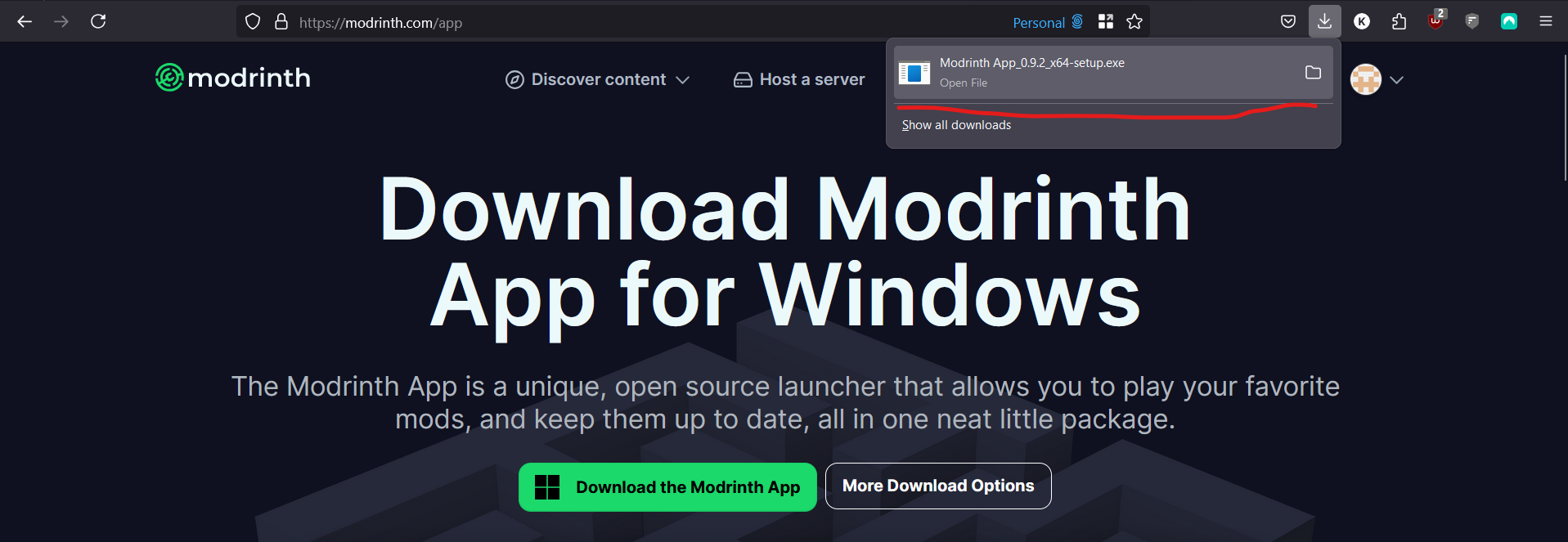
- Go to https://modrinth.com/app
- Click the Green button if on a Windows PC.

or click the "More Download Option" button if on another type of PC and find the correct one.

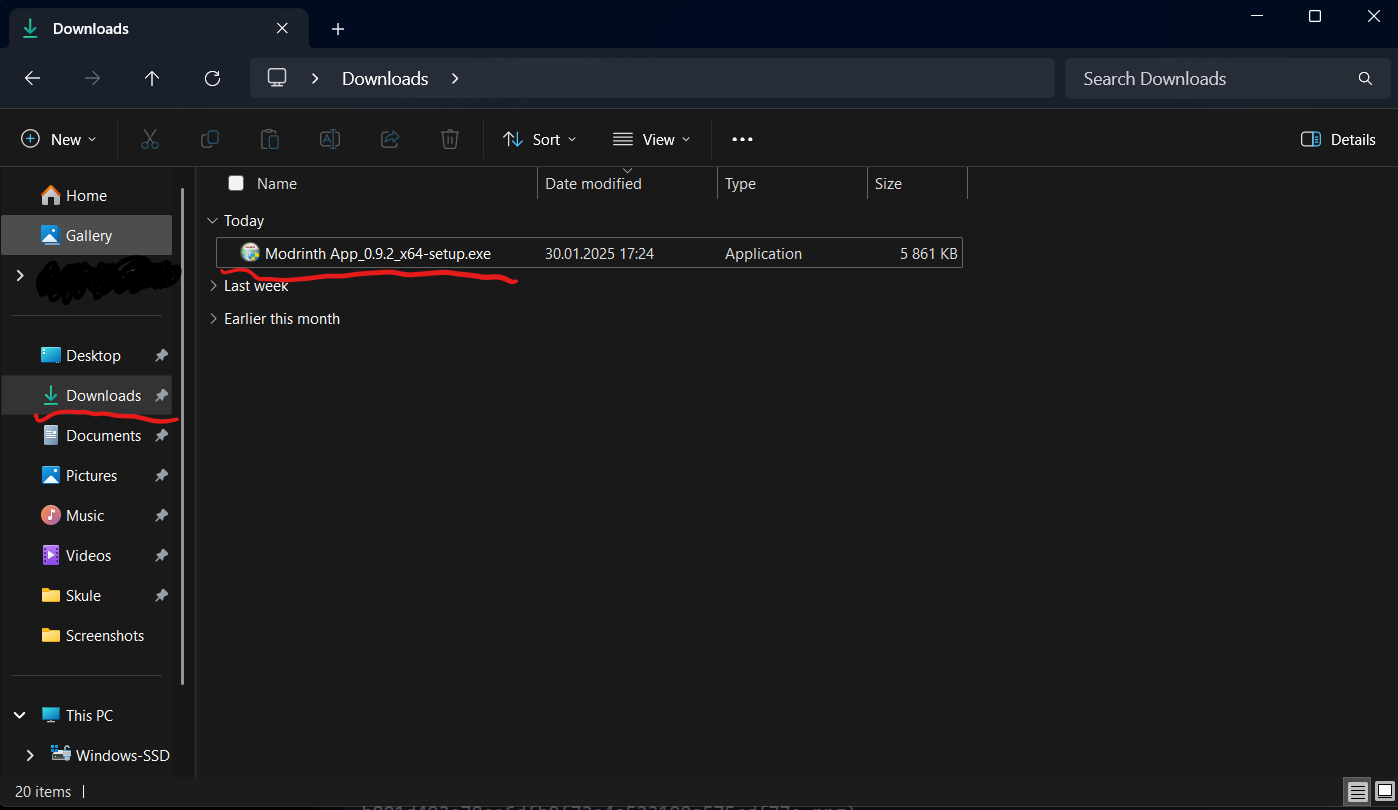
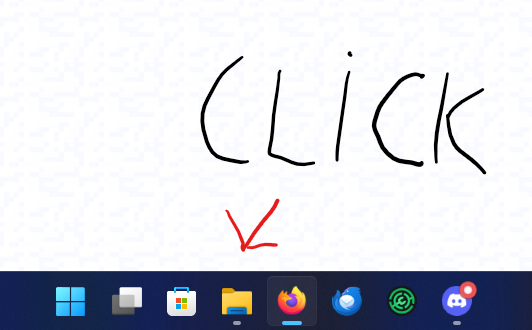
3 When you have downloaded the installer, click it.
If you can not see the downloaded file, open File Explorer.
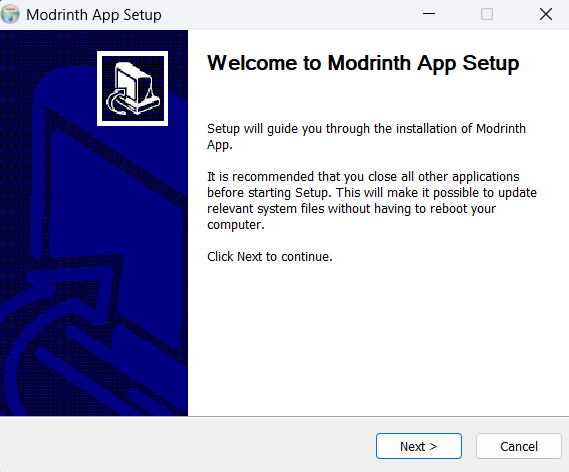
- The installer will then open, click next until you reach this
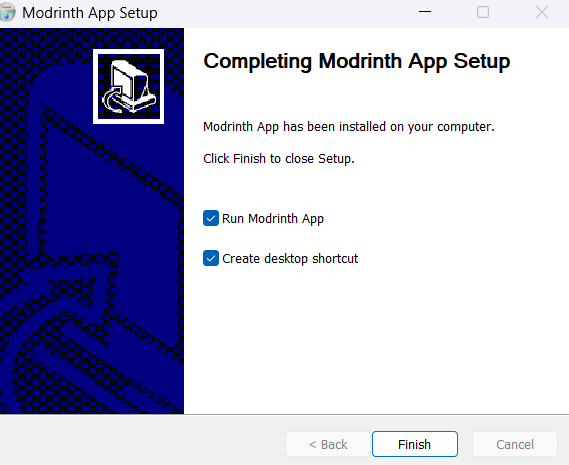
- Then click finched and the app should open.
The tutorial from this point is outdated it should work but stuff can look different.
5 Now the app will open and you need to log in. Click Get Started then Sign in.

A browser window will open and you can log in to your account there.
It will first ask for a code that can be found in the app by clicking on it on the taskbar icon of the app.
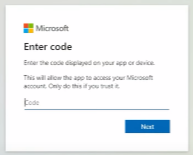
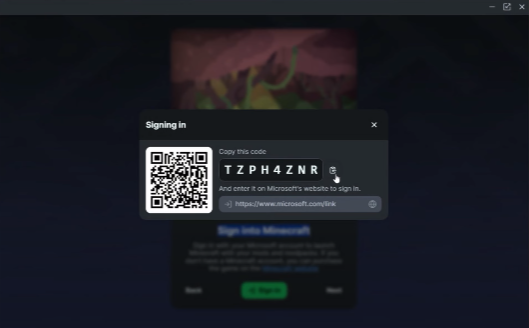
Then you will be asked for the email and password of the account. Your Minecraft account is a Microsoft account.
6 Now you will be asked to sign in to your Modrinth account you don't have to just click next.

7 Now you will get a lot of prompts just click next.
8 Time so set the memory limit to Minecraft.
Click on the option down in the left corner of the app.

Then locate the memory limit slider, and set it to something between 2000mb and 4000mb depending on how much RAM you have. If you don't know how much ram you have, can you use 3000mb it is a safe amount.

Then you have to install JAVA. Find the button to install Java and click install recommended under the Java 8 version.

9 At this point are you ready to install any modpack you want. Check out the How to install SkyBlock Enhanced spoiler under for how to install the mod pack.
How to install SkyBlock Enhanced mod pack
- Open the Modrinth app and locate the search button on the left side.

2 Search SkyBlock Enhanced and click install. This can take some time so be pason.
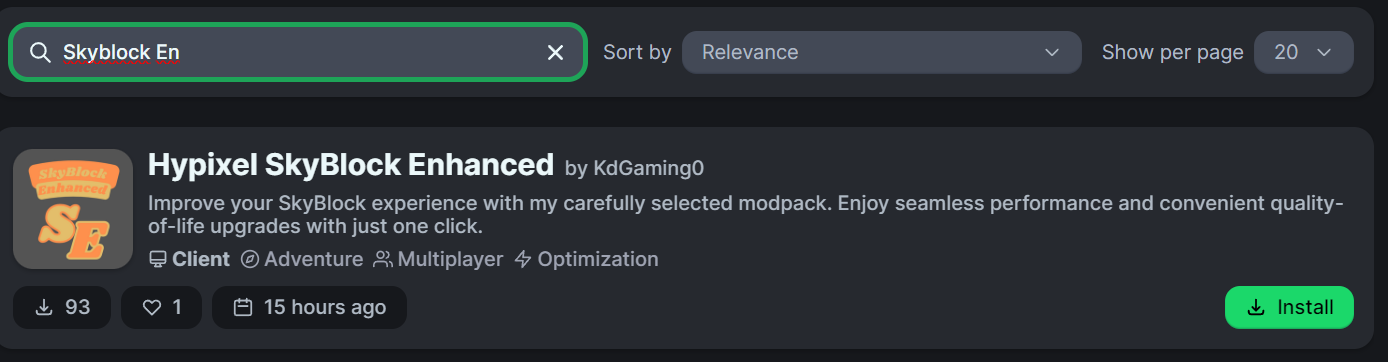
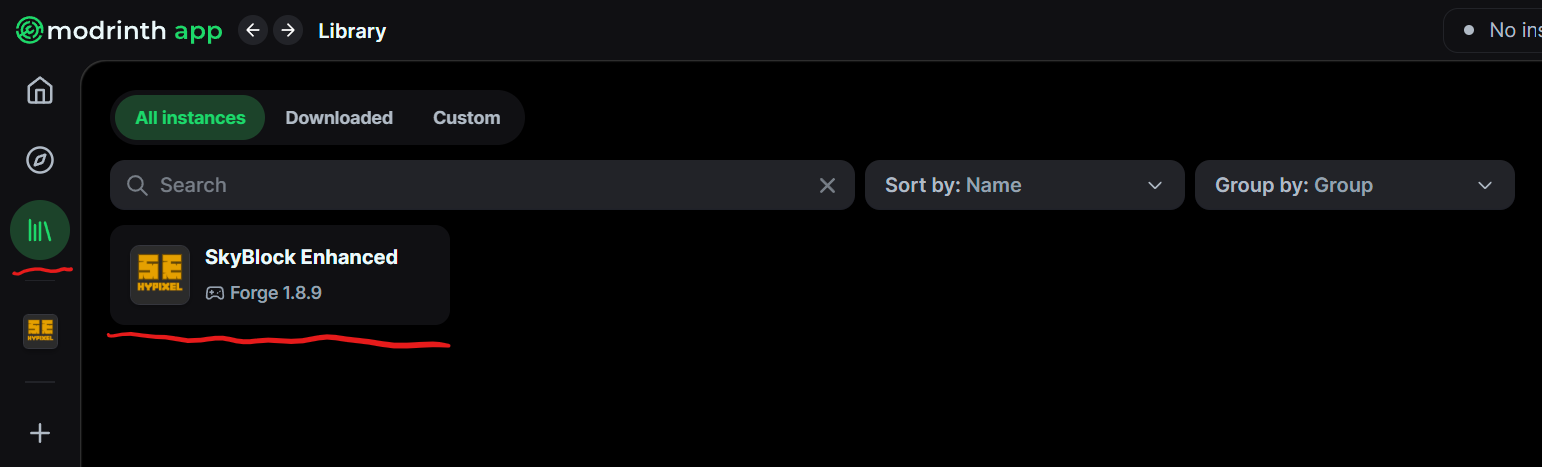
3 Click the library button on the left side.
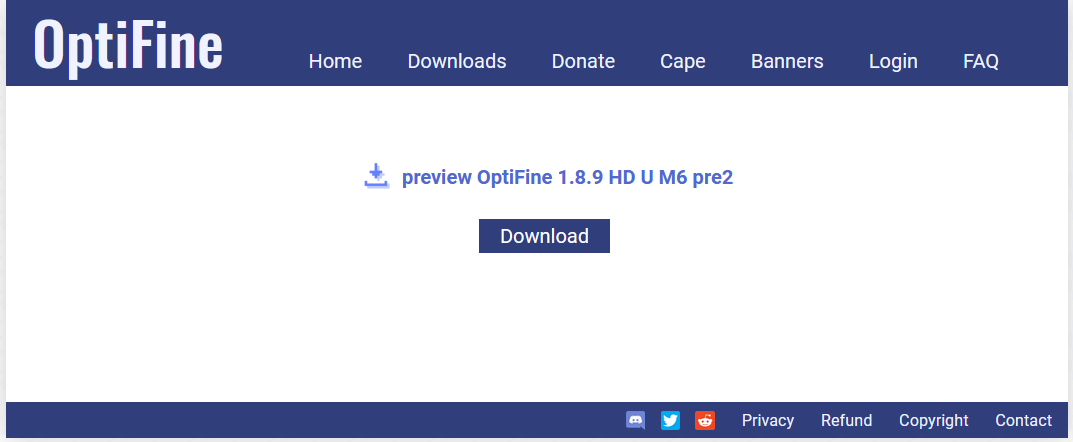
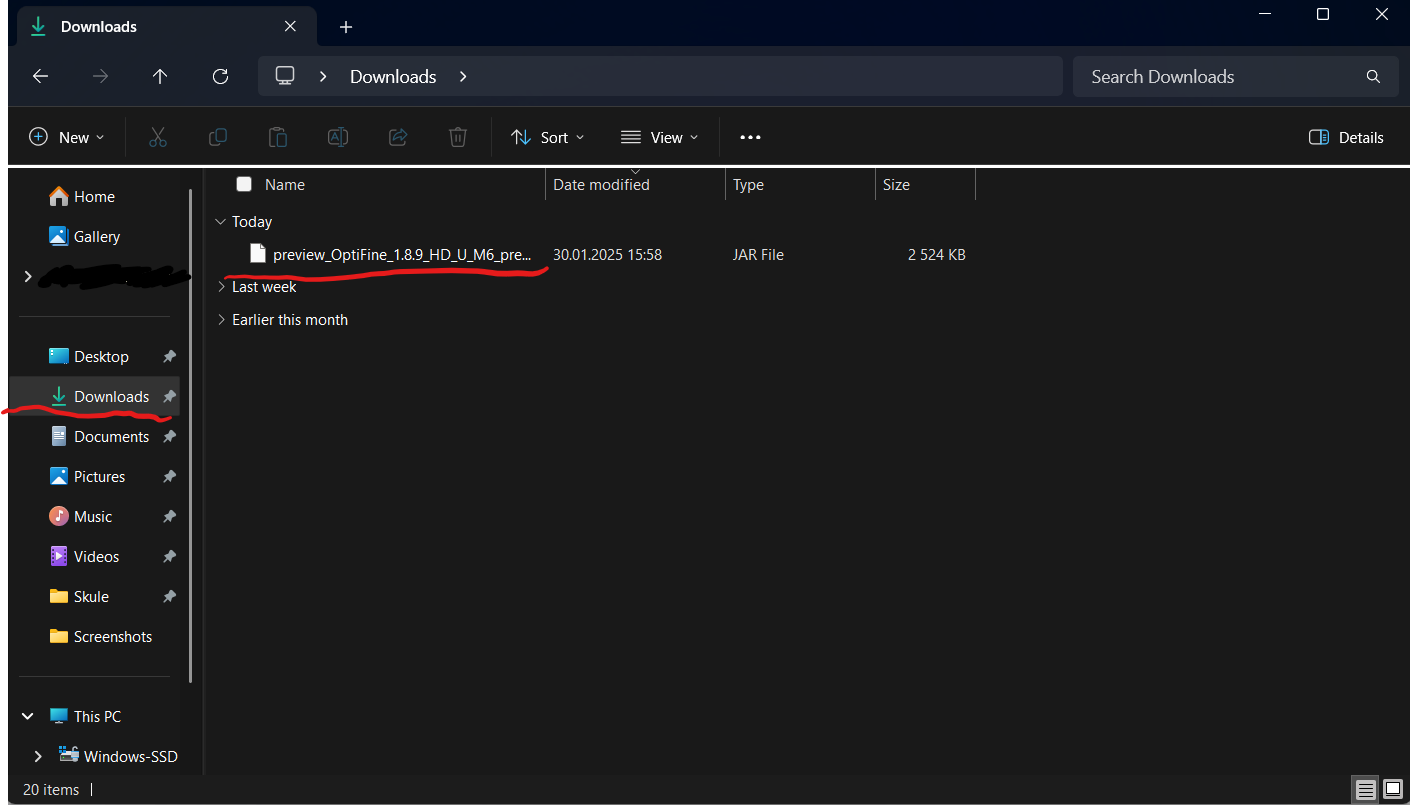
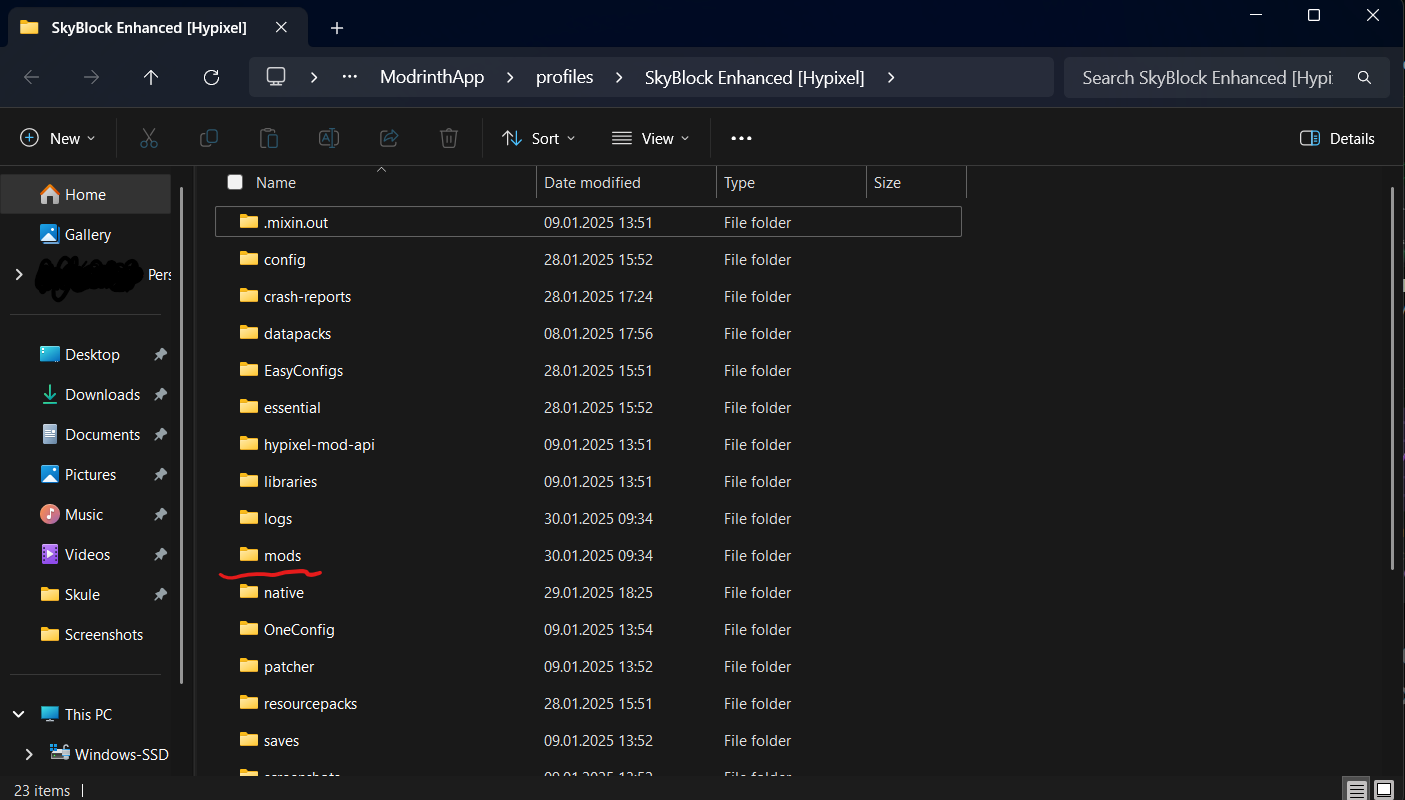
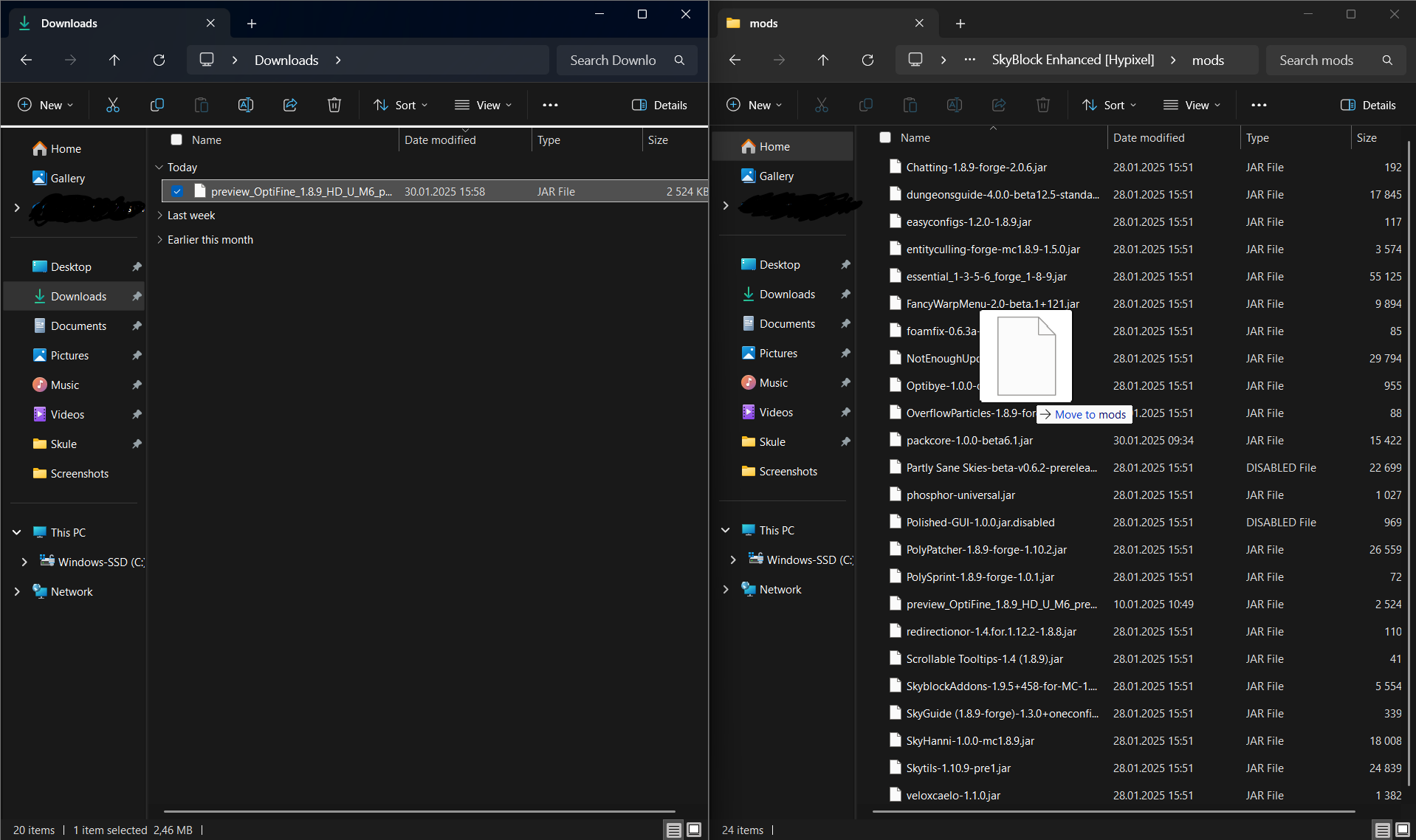
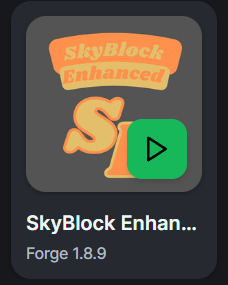
4 You will find the modpack there and you can click the green button when hovering the mouse over it to start the game. Under the first start-up of the game you will get a pop-up asking for permission click YES. Remember you will have to install Optifine manually. Information on how to do that can be found above.
Don't want to use the Modrinth app
How to install the modpack using the vanilla Minecraft launcher.
If you don't want to use the Modrinth app can you use the vanilla launcher but it will be more work and automatic updates will not happen.

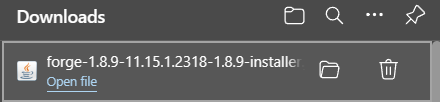
When you have downloaded it click the file you downloaded.
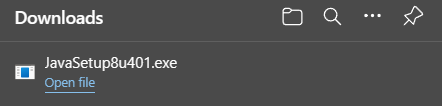
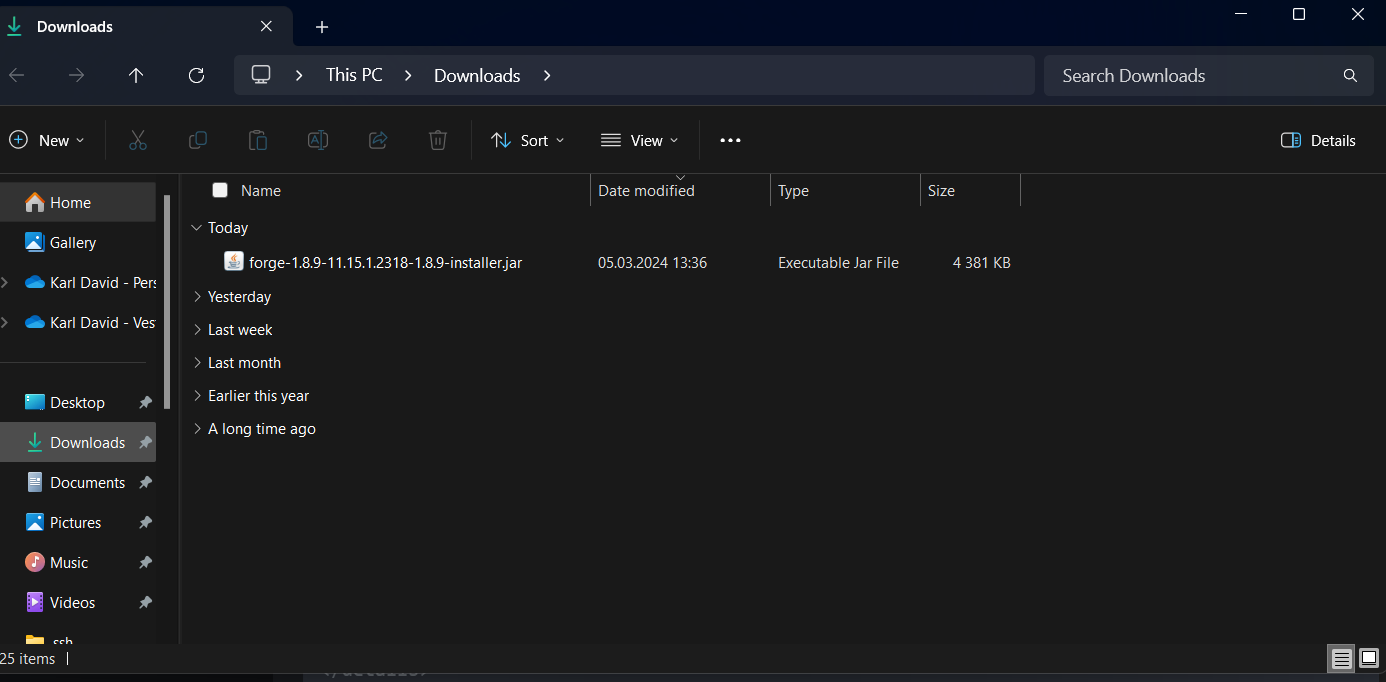
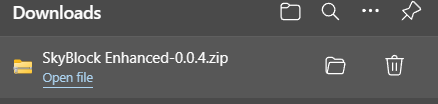
If it did not come up as a pop-up in the browser you can find it in the File Explorer and then Downloads.
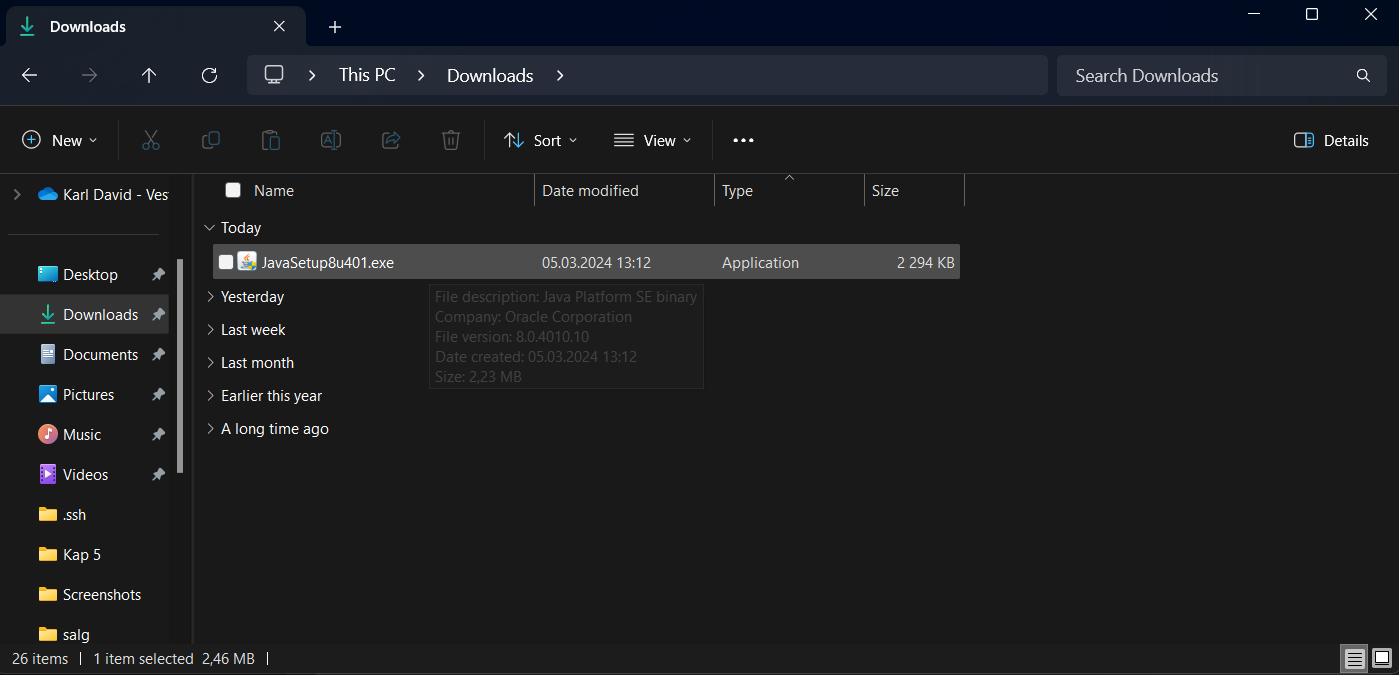
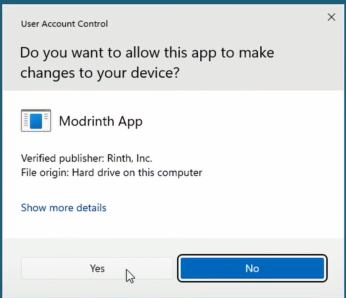
When you have clicked it you will get a pop-up asking for permission Click YES.
After that, you will get a window asking you if you want to install it. Click Install.
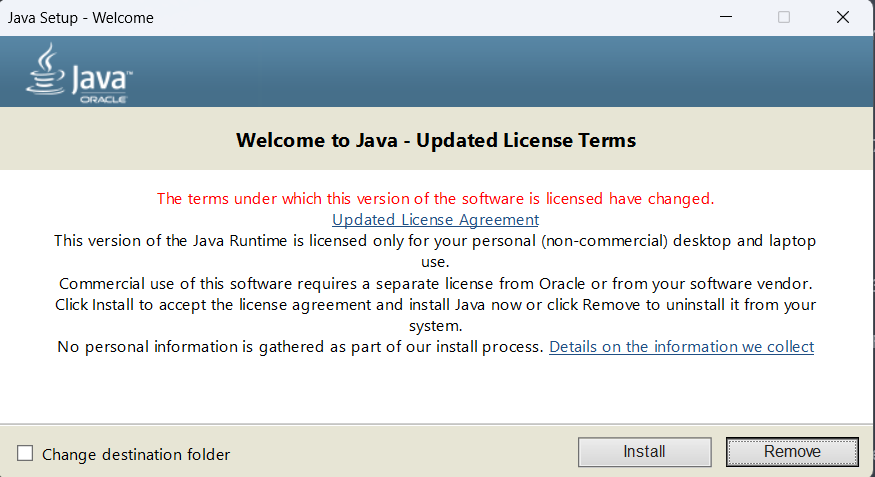
Now you will get a window confirming that it is installed. Click Close.
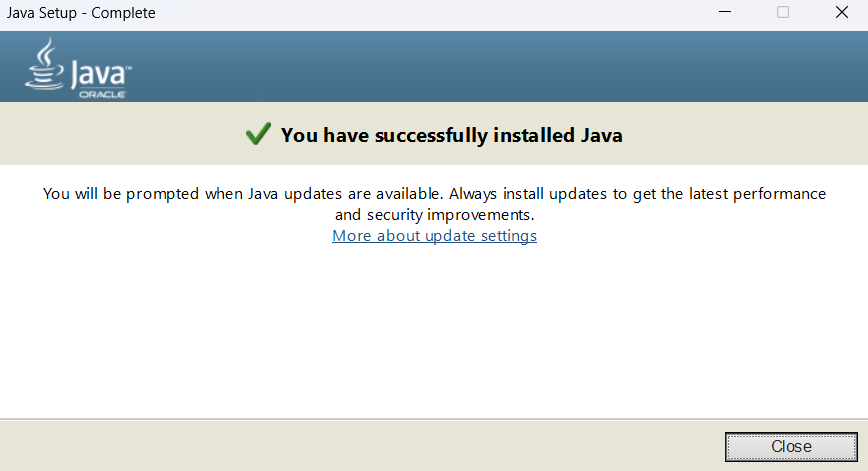
Install Forge for 1.8.9
Open the Minecraft launcher and open the game in 1.8.9 if you have not already done this.
How to find version 1.8.9 if you haven't already played it. Open the Launcher and go to the installation tab.

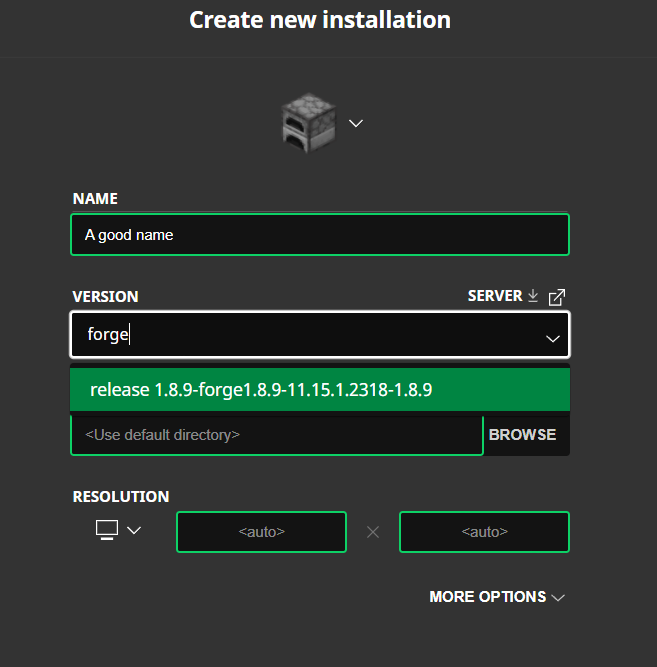
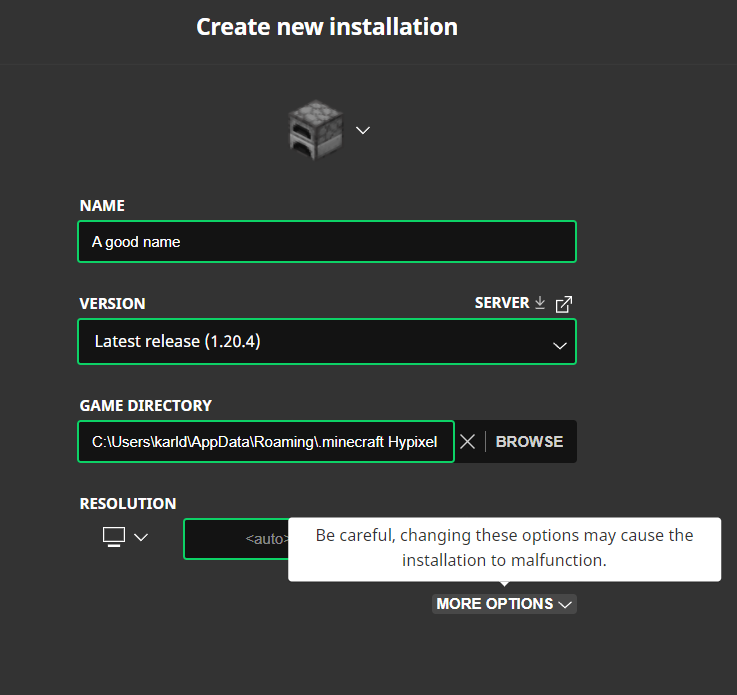
Click new installation.

Go to the version part search 1.8.9 and select that one.
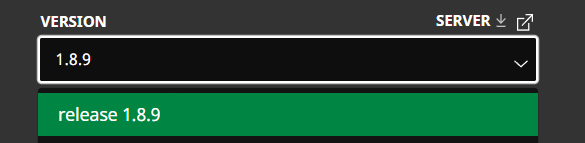
Give it a name hit crate and then hit play. Let the game open for a few seconds in the main menu and close it.
Install Forge
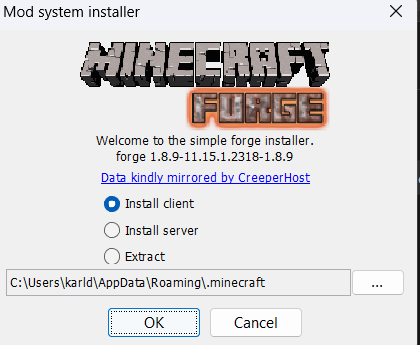
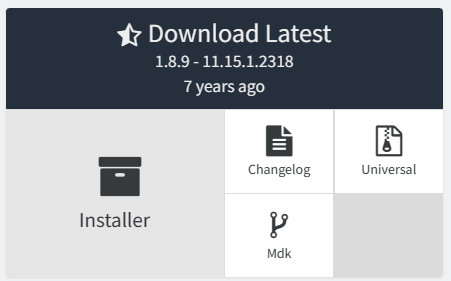
Go the the Forge website and download the installer. Find it her.
Don't want to use Modrinth or the Vanilla launcher.
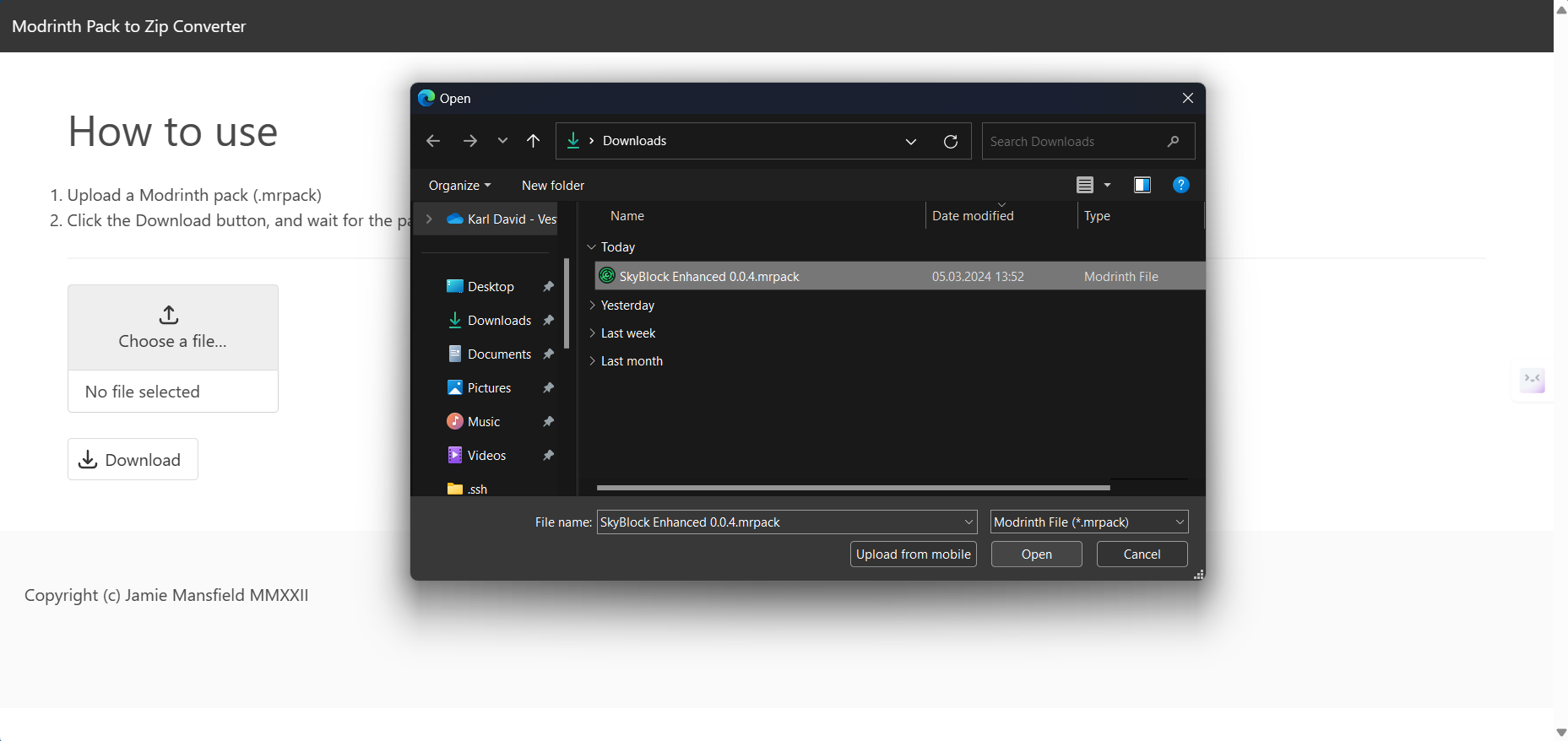
The modpack is transported in a .mrpack format and most launchers support it you can use MultiMC, Prism Launcher, ATLauncher, BakaXL, or Superpack to play my pack. I have not tested it so I don't know how to use it but it should be an import button where you can choose a .mrpcak file.